 Clinch
How can we help?
Common questions
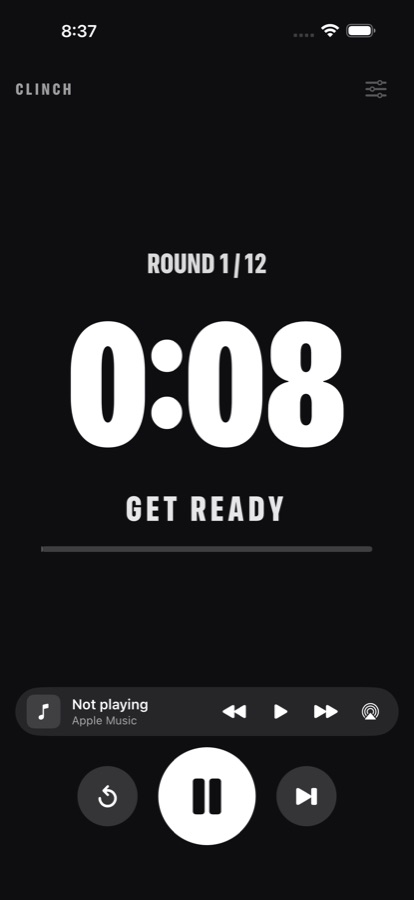
I can't hear the bell with my phone locked
- Allow notifications for Clinch when asked (Settings → Notifications → Clinch).
- Turn the volume up before you start. Clinch bells play even with the silent switch on, but the volume still has to be up.
- Leave Clinch running in the background during a workout. If you swipe it away, the bells stop.
The countdown isn't on my Lock Screen
Check Settings → Clinch → Live Activities is on. Clinch needs iOS 17 or later. Only one workout shows at a time: starting a new timer replaces the old one.
How do I use StandBy?
Start a round, then put your iPhone on charge, on its side. StandBy shows the round and a big countdown in the colour of the current phase: red for work, blue for rest.
How do the music controls work?
Play something in Apple Music, then use the music bar on the timer to play, pause and skip, or tap the AirPlay button to send it to a speaker. When a bell rings, your music dips and comes back after. Controls work with Apple Music. Other apps still play, and the ducking works with them too.
Can I use it in landscape?
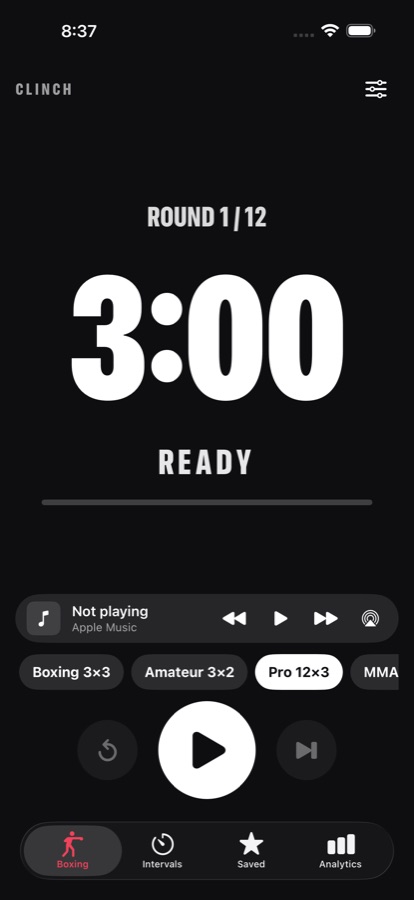
Yes. Turn your iPhone or iPad sideways and Clinch shows just the clock with the start and pause controls, so you can read it from across the room.
What's free and what's Premium?
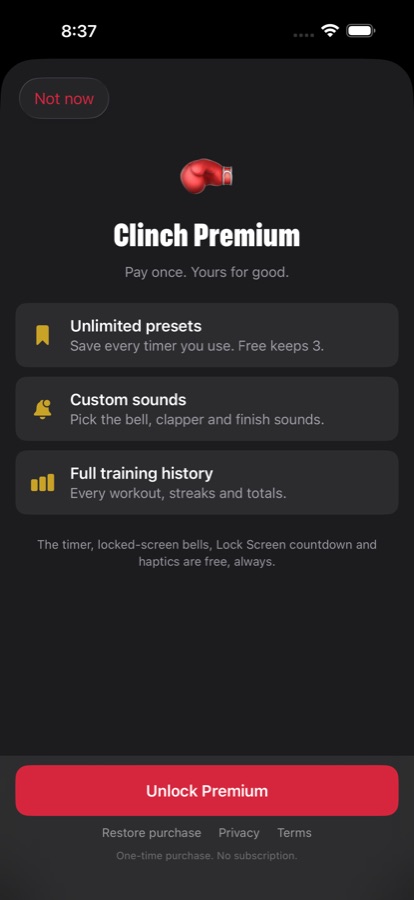
The timers, locked-screen bells, Lock Screen countdown, StandBy, music controls and up to 3 saved timers are free, always. Premium is a one-time purchase that adds unlimited saved timers, custom sounds and your full training history.
How do I restore my Premium purchase?
Open the Premium screen in Clinch and tap Restore purchase. Use the same Apple ID you bought it with. Family Sharing is supported, so the people in your family group get Premium too.
Do you collect any data?
No. Clinch has no account, no analytics and no ads. Your timers and history stay on your device. See the privacy policy.
Does Clinch work on iPad or Apple Watch?
Clinch runs on iPhone and iPad. There is no Apple Watch app yet. If you want one, tell us: it helps us decide what to build next.
Still need a hand?
Email [email protected] and we'll get back to you, usually within a day or two.
Email support